Get an Odoo 20 upgrade quote.
Start with a system audit for the clearest estimate, or speak with an Odoo specialist about your current environment and business priorities.
OVERVIEW
A practical quote based on your real Odoo environment.
An upgrade quote should account for more than your current version. We combine technical evidence from your system with a short business discussion to define a realistic upgrade scope.
01
Understand the effort
Identify the customisations, custom modules, installed apps, and dependencies that may need attention.
02
Reduce uncertainty
Surface likely refactoring, integration, and testing work before the upgrade begins.
03
Plan the next step
Receive a recommended upgrade path and a quote tailored to your environment and priorities.
RECOMMENDED PATH
The fastest path to an
informed quote.
The Odoo Customisation Health Check app turns years of technical changes into a structured report, giving our team a stronger starting point for estimating your Odoo 20 upgrade.
Install app
Install the App Store version that matches your current Odoo environment. Settings administrators receive the manager role during installation.
Run the audit
Open Audit Trail → Overview and refresh the dashboard to scan current customisations and custom modules.
Enter your details
Select Request a Quote, then confirm your company, contact details, and target Odoo version.
Send for review
Select Request Quote. The app creates a current audit report and sends it directly to Atliis 360.
On an Odoo version that is not listed in the App Store? Talk to our team, and we’ll help determine the best way to assess your environment.
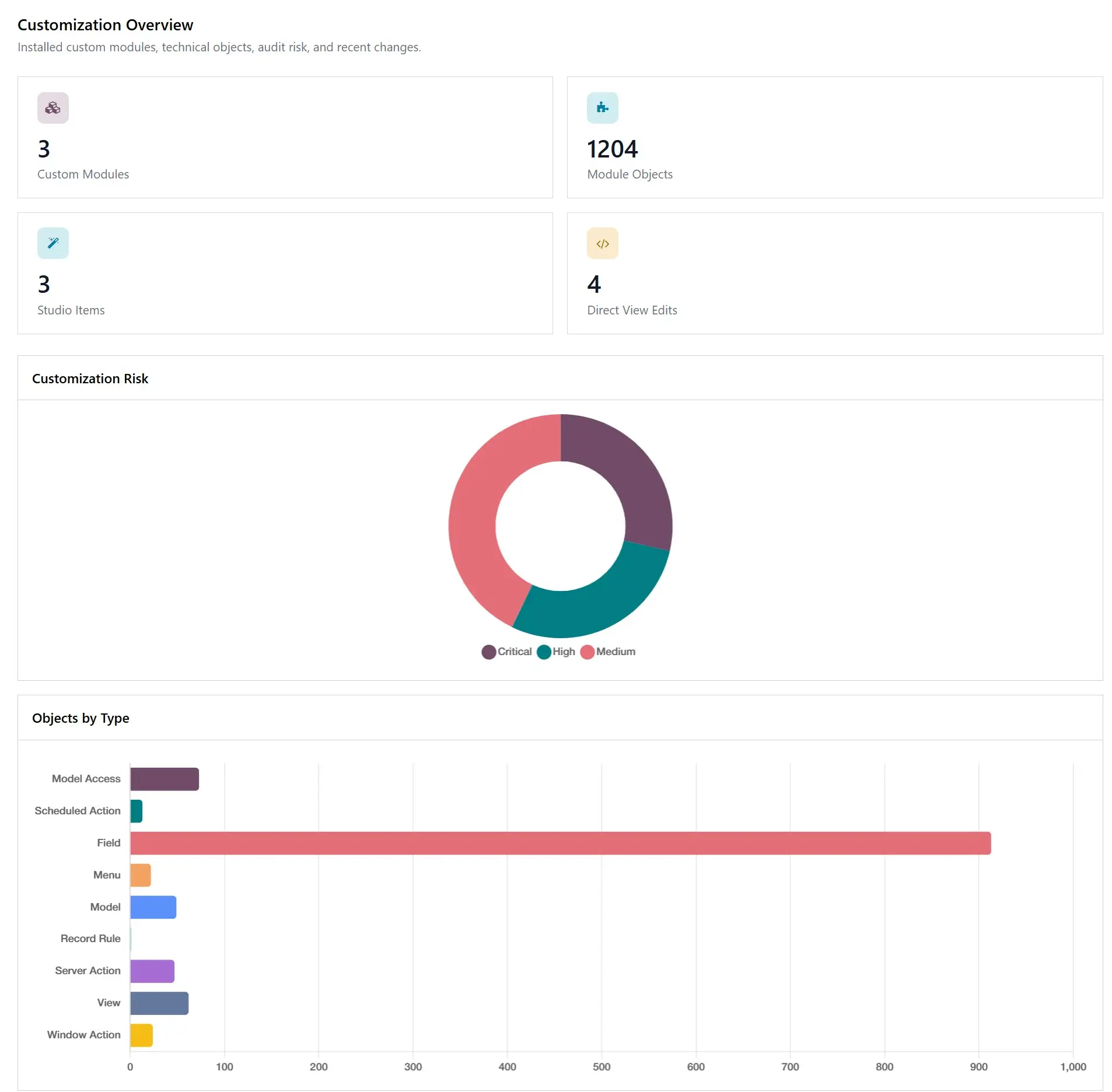
TECHNICAL CHANGE AUDIT
What the audit
report tells us.
- Studio and manual customisations
Custom fields, models, views, QWeb templates, reports and menus. - Custom modules and installed apps
Installed custom modules, their technical objects and the standard apps in your environment. - Risk and change history
Source grouping, risk classification, version history and before-and-after differences for review.
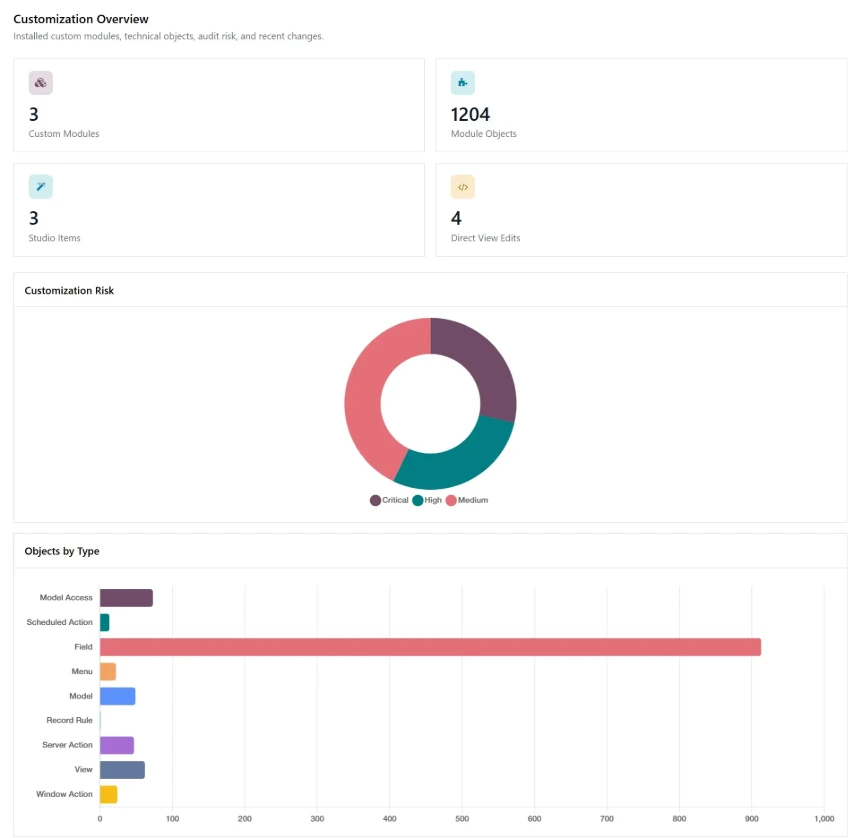
TECHNICAL CHANGE AUDIT
What the audit
report tells us.
- Studio and manual customisations
Custom fields, models, views, QWeb templates, reports and menus. - Custom modules and installed apps
Installed custom modules, their technical objects and the standard apps in your environment. - Risk and change history
Source grouping, risk classification, version history and before-and-after differences for review.

TALK TO AN ODOO SPECIALIST
Prefer to start with a conversation?
Tell us about your current Odoo environment, the challenges you want to solve, and where you would like to go next. Our team will help you identify the best starting point.
WHAT HAPPENS NEXT
From report to a tailored upgrade quote.
We combine technical evidence with business context so your quote reflects the work required and the outcomes that matter.
01
TECHNICAL REVIEW
We assess upgrade effort and risk
We review your audit findings, custom modules, integrations, hosting, and technical dependencies.
02
DISCOVERY CONVERSATION
We confirm priorities and timing
We discuss critical workflows, business constraints, testing responsibilities, and your preferred upgrade window.
03
SCOPE AND QUOTE
You receive a recommended path
We provide a tailored upgrade scope, proposed approach, and quote for your Odoo 20 transition.