
Overview
A simple introduction to how Odoo manages digital signatures for contracts, approvals, and onboarding.

What It Does
If you’re working with contracts, onboarding forms, approvals, or compliance documents, Sign is one of the first apps you’ll want to understand. It keeps document workflows clean, trackable, and consistent, without email chains or paperwork delays.
Where It Helps Most
It removes delays caused by paperwork, email attachments, unclear approval chains, and missing signatures by keeping everything digital and trackable.
How It Fits Into Odoo
Odoo Sign integrates cleanly to streamline document signing.
Integrated with CRM, HR, Projects, and more
Digital signature workflows without external tools
Track everything from a clean and central dashboard
Built for simple approvals or multi-step signing flows
See It in Action
A simple 1-minute walkthrough of Odoo Sign.
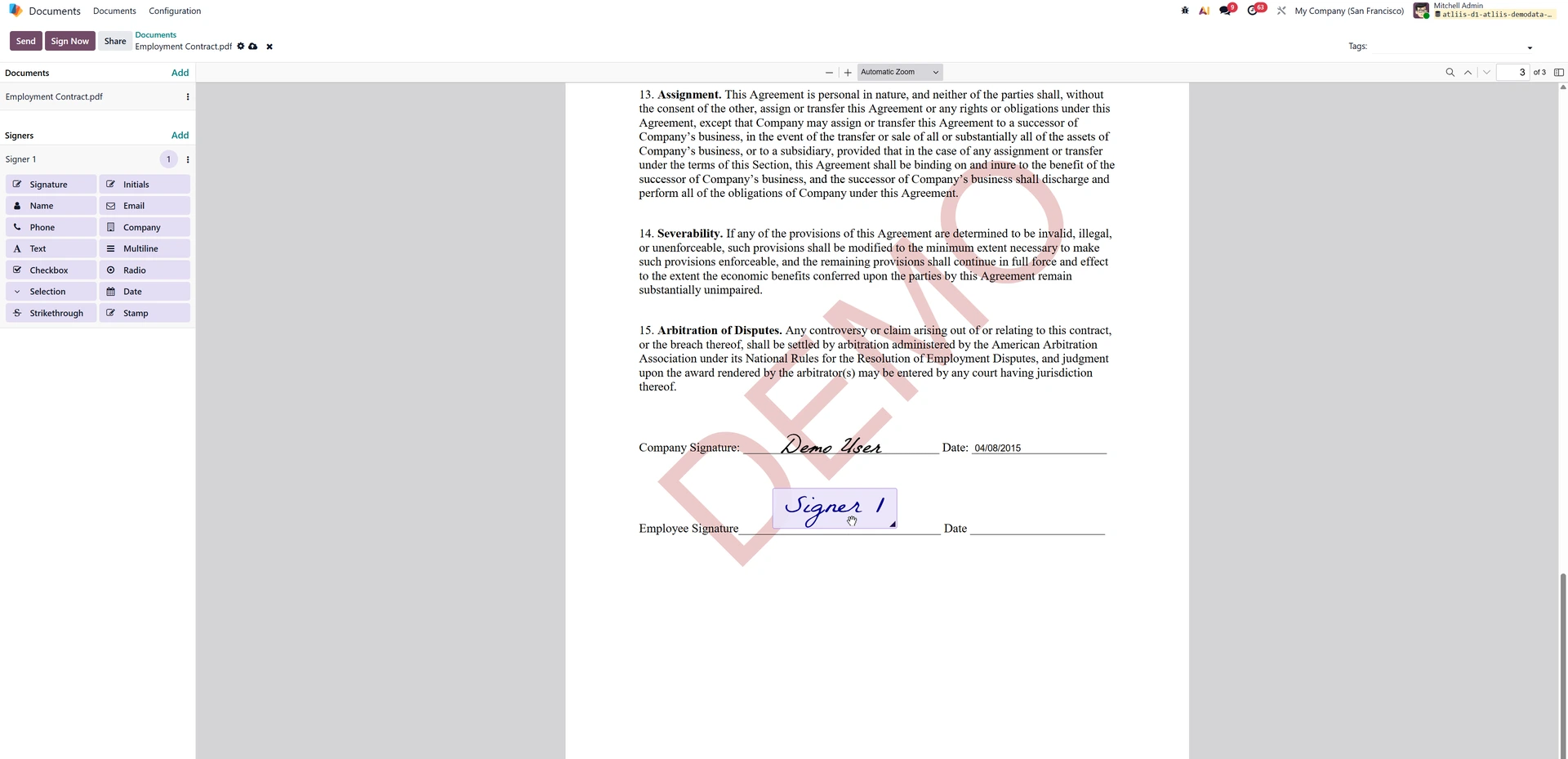
Preparing Documents for Digital Signatures
Upload a file, drag in signature fields, assign recipients, and send; everything is designed to be simple and consistent.
Key Functions
Upload documents and place signature fields quickly
Share files securely with defined signers
Track progress from one clean dashboard
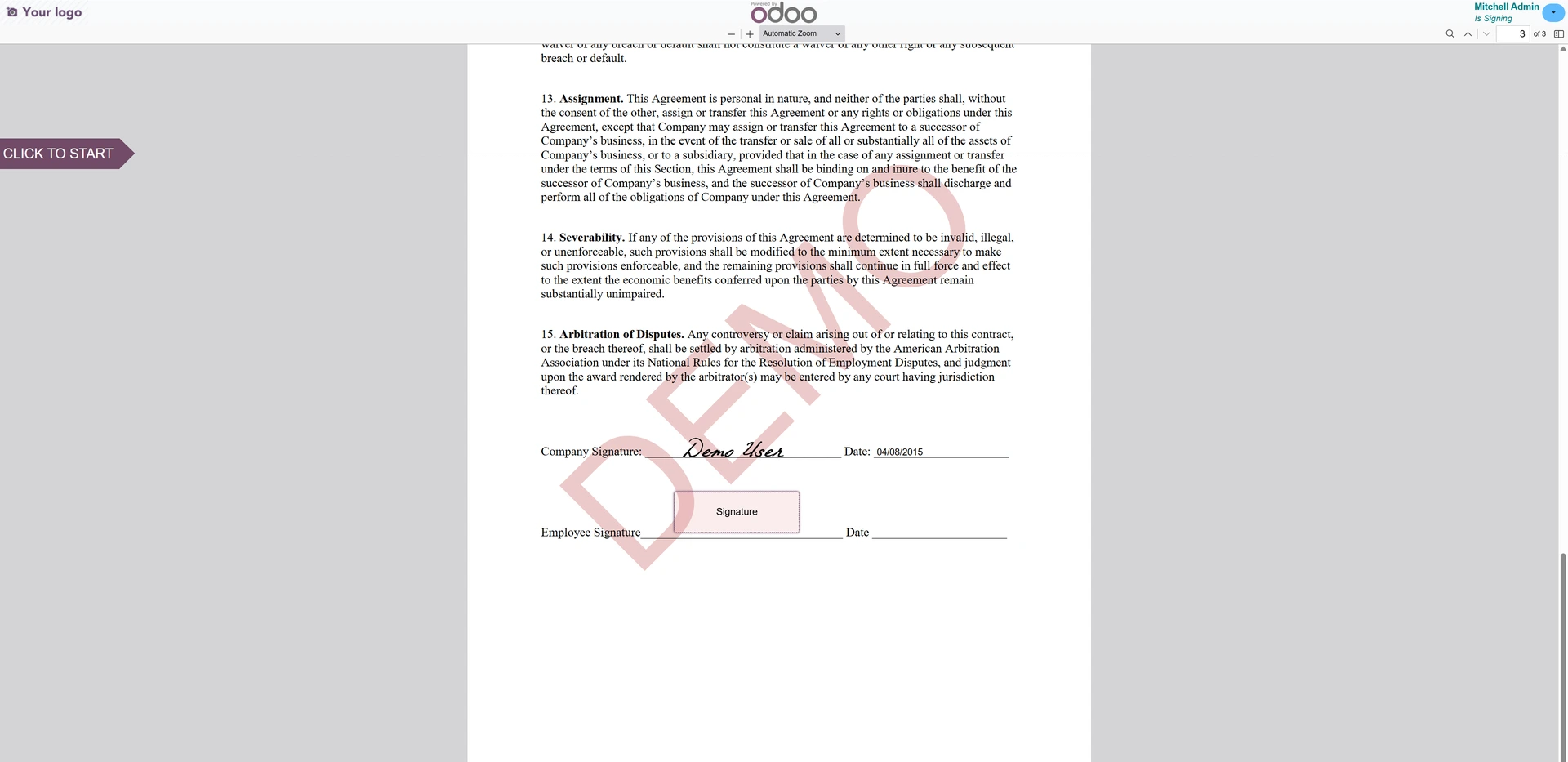
A Guided, Easy Signing Experience
Recipients see only what they need to complete, with clear prompts that reduce confusion and prevent incomplete submissions.
Key Functions
Guide signers through required fields smoothly
Highlight missing items before submission
Reduce errors with clear on-screen instructions
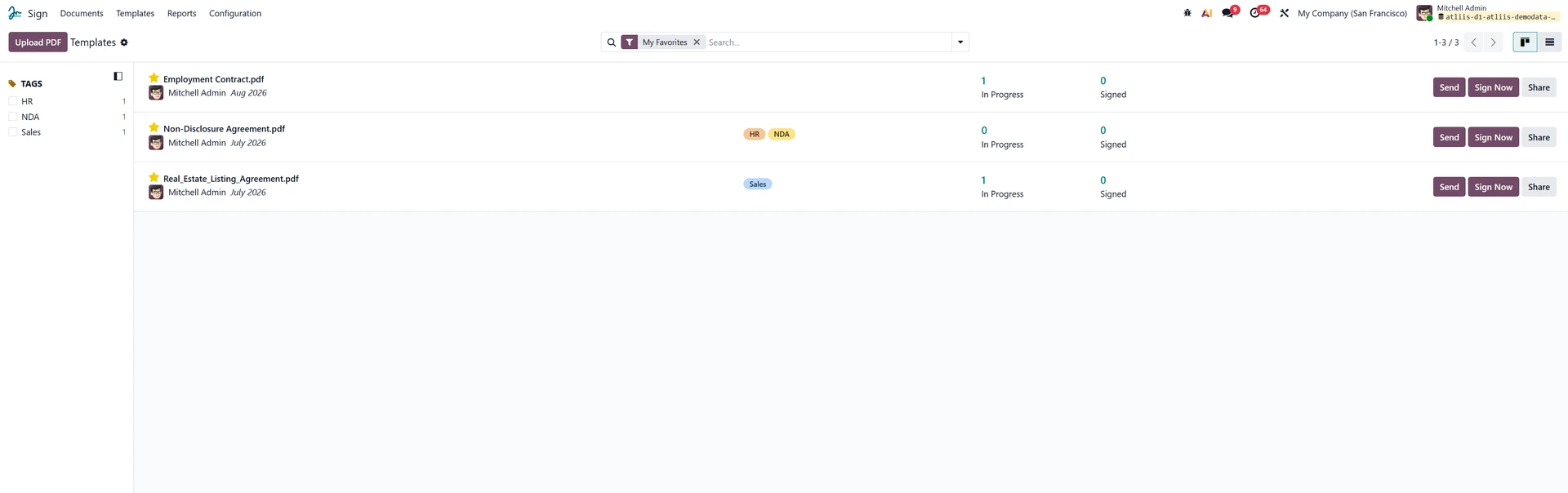
Templates for Repeatable Workflows
If you send the same documents often - contracts, onboarding forms, compliance declarations—templates save time and ensure consistency.
Key Functions
Build templates for common business documents
Pre-set fields for consistent layouts
Keep templates updated in one central place
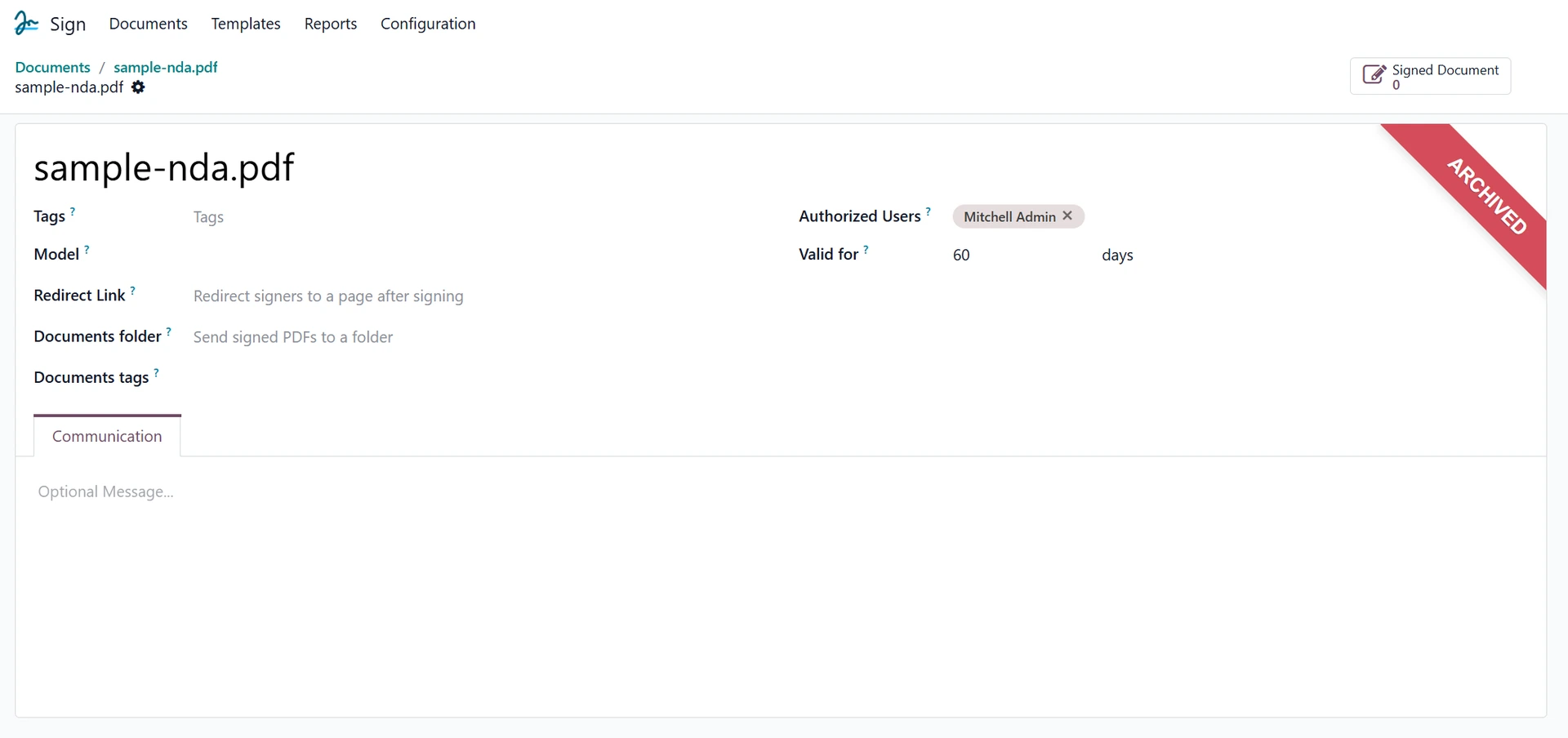
Role-Based Access and Signer Controls
Odoo Sign lets you define who signs, who reviews, and who simply receives a copy, helping maintain structure across sensitive workflows.
Key Functions
Assign signer, reviewer, or viewer roles
Restrict access based on permissions
Apply routing rules for multi-step approvals
Clear Tracking and Complete Audit Trails
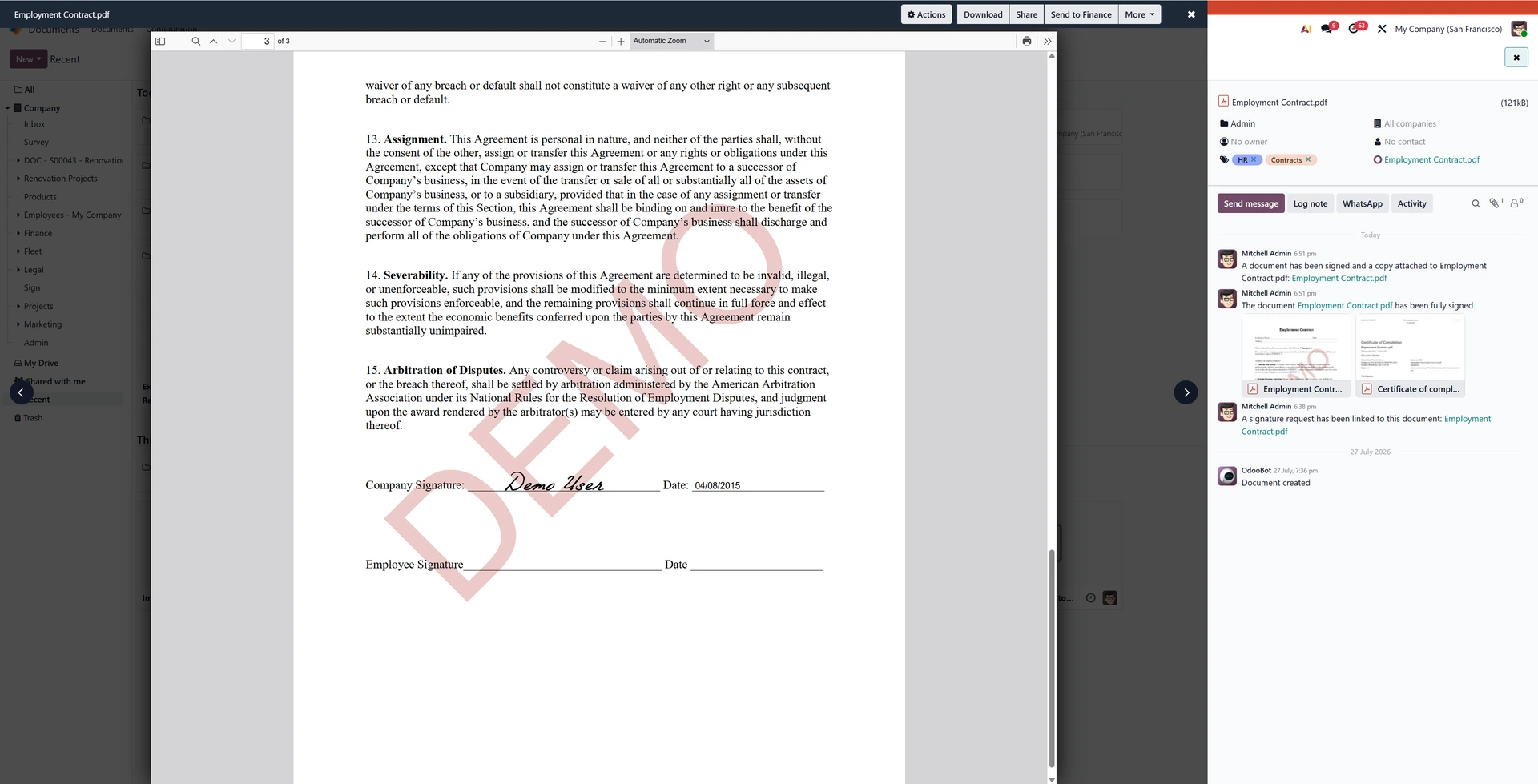
Every action, view, sign, and send is time-stamped and logged, giving you a full history for compliance, verification, or review.
Key Functions
Log every interaction with timestamps
Preserve audit trails for compliance needs
Store finalised documents for easy access
The Takeaway
Odoo Sign gives your business a clean, connected way to manage signature workflows day to day.
It cuts down on back-and-forth, keeps documents organised, and supports simple or advanced approval processes with minimal effort.
Looking Ahead
If this overview helped you understand the essentials, we’ll be publishing deeper guides on templates, audit trails, workflow automation, and multi-signer routing—so you can explore each area at your own pace.