

Overview
A simple introduction to how Odoo manages invoicing, bills, reconciliations, and financial reporting using fully connected,
real-time data.
What It Does
Odoo Accounting brings all financial activity into one central place - automatically pulling information from Sales, Purchases, Inventory, Projects, Payroll, Expenses, and the rest of the Odoo ecosystem to give you an always-accurate, system-wide financial picture.
Where It Helps Most
It removes disconnected tools, spreadsheet-heavy reconciliation, and manual data entry by drawing financial information directly from the apps where the work actually happens—quotes becoming invoices, receipts becoming bills, stock movements becoming valuations, and hours becoming billable revenue.
How It Fits Into Odoo
Odoo Accounting fits neatly into your operations, giving you real-time visibility and simple, scalable workflows.
Fully integrated with every part of your business
Real-time numbers without spreadsheets
Simple workflows your whole team can follow
Built to scale with your operations
See It in Action
A simple 3-minute walkthrough of Odoo Accounting.
Invoicing & Billing
Odoo creates and tracks invoices from sales, projects, and subscriptions, keeping everything aligned.
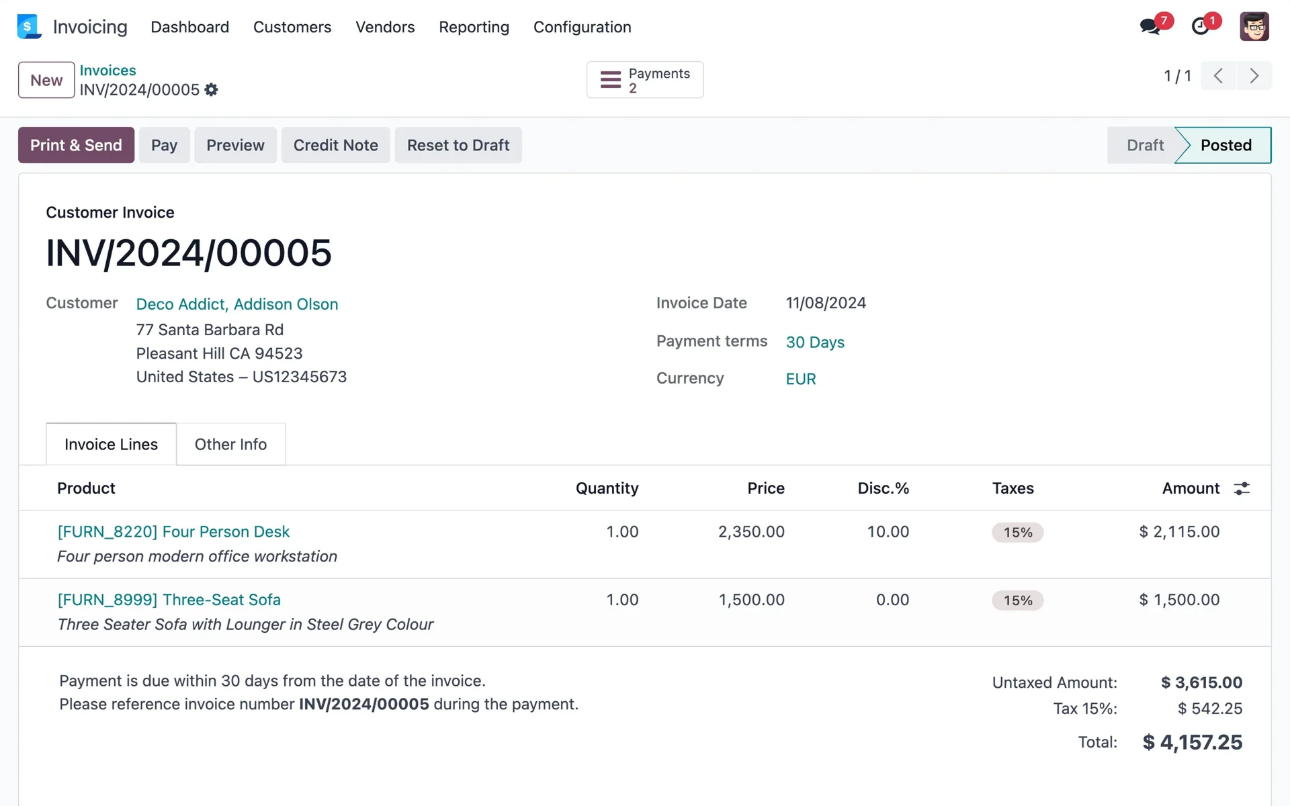
Key Functions
Create invoices from sales, timesheets, or subscriptions
Manage vendor bills from purchases and expenses
Track payments and send reminders
Bank Reconciliation
Bank feeds sync into Odoo, and payments are matched automatically to invoices and bills.
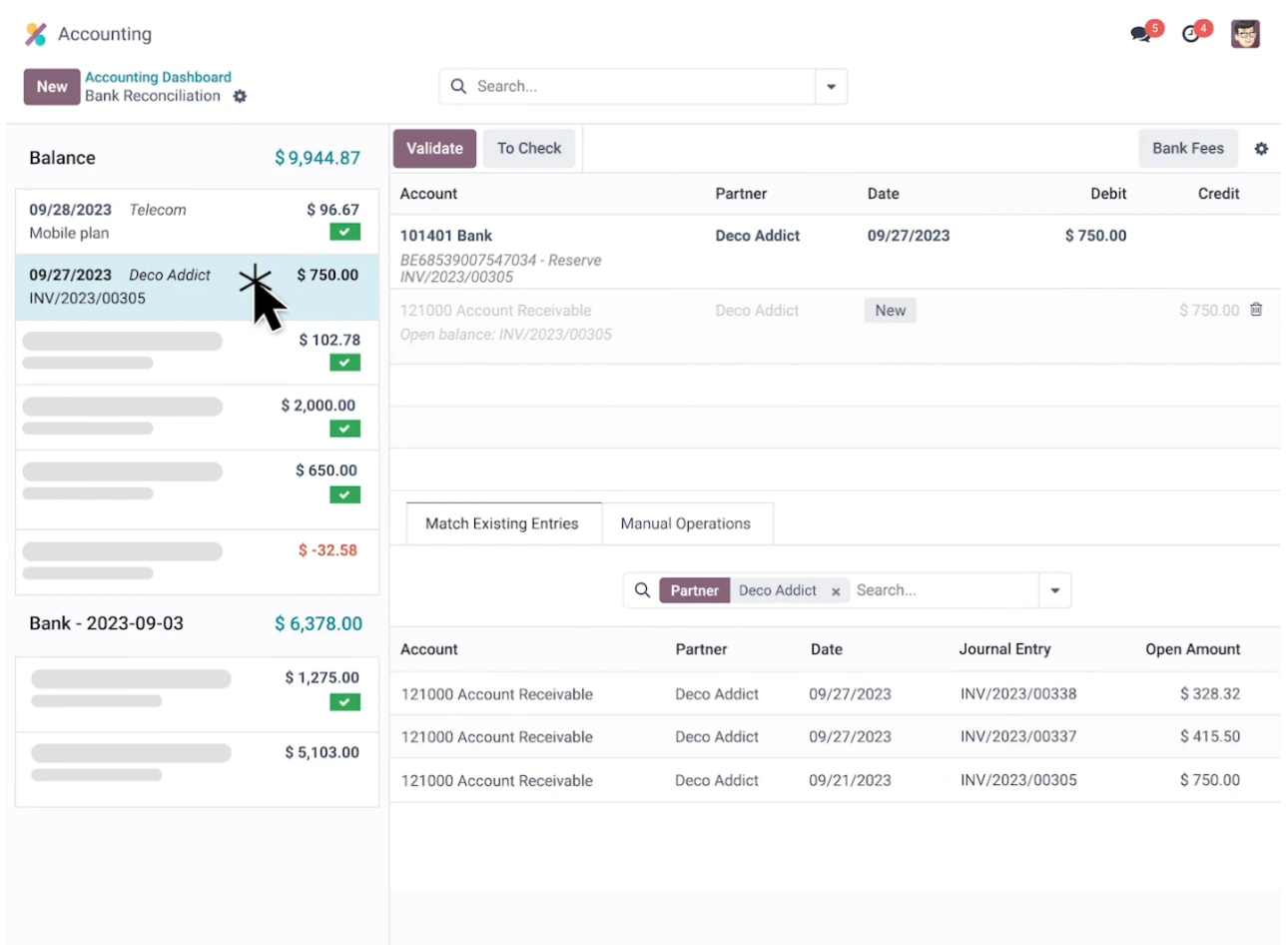
Key Functions
Import or sync bank transactions
Automatic matching to invoices and bills
Guided reconciliation for remaining items
Financial Reporting
Reports update instantly, giving you a real-time view of your financial position.
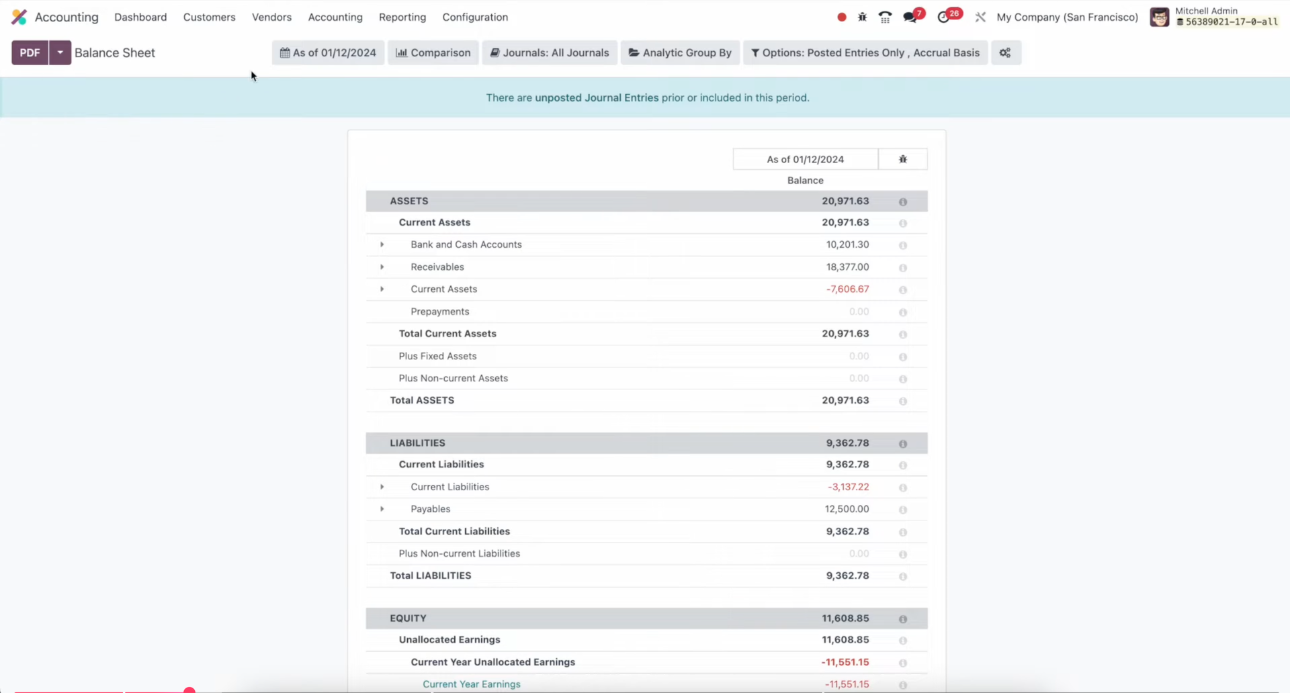
Key Functions
Profit & Loss, Balance Sheet, and General Ledger
Aged receivables and payables
Drill-down reporting into source documents
Multi-Currency & Tax Handling
Odoo handles multi-currency and tax rules automatically for accurate global transactions.
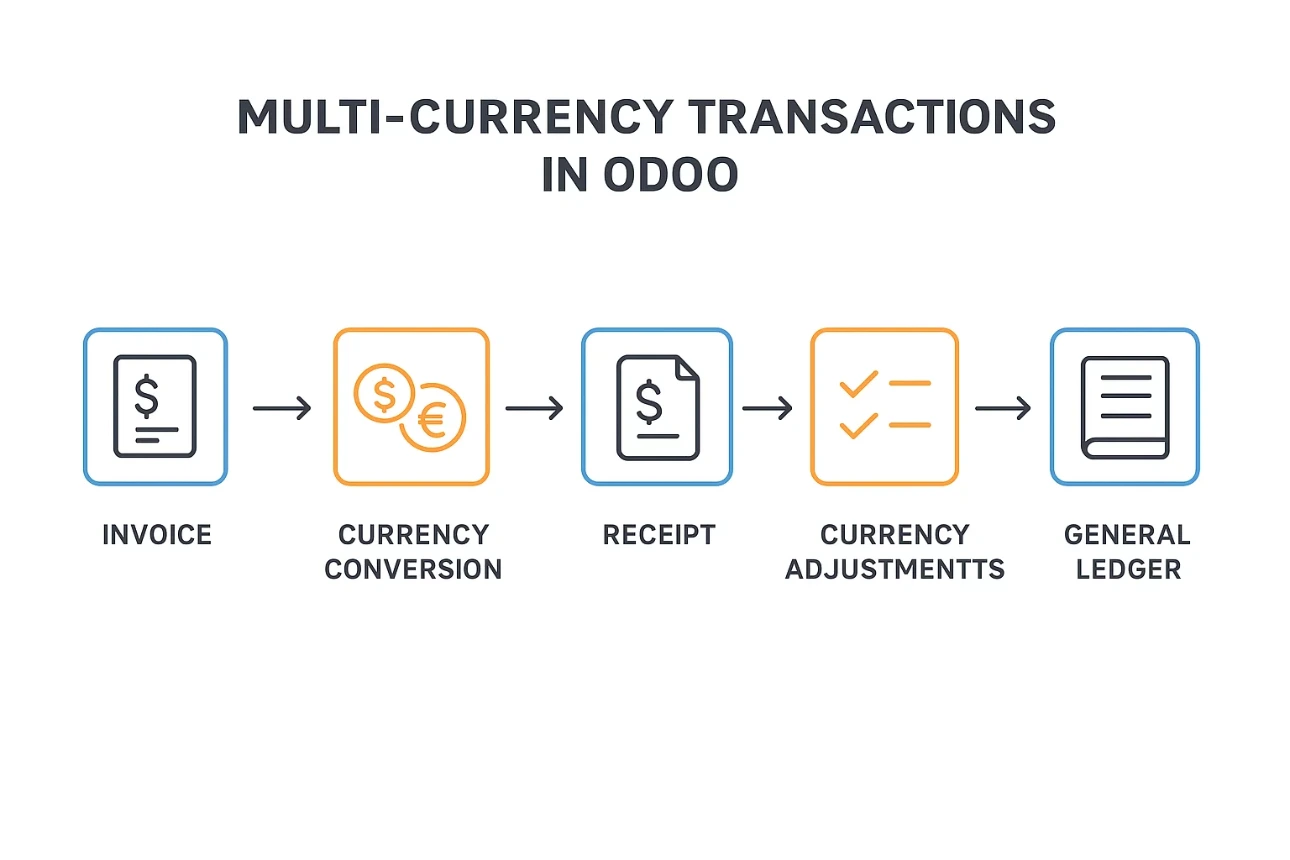
Key Functions
Multi-currency support across invoices, bills, and payments
Automatic exchange rate updates
Local tax rules via localisation modules
Integrated Workflows
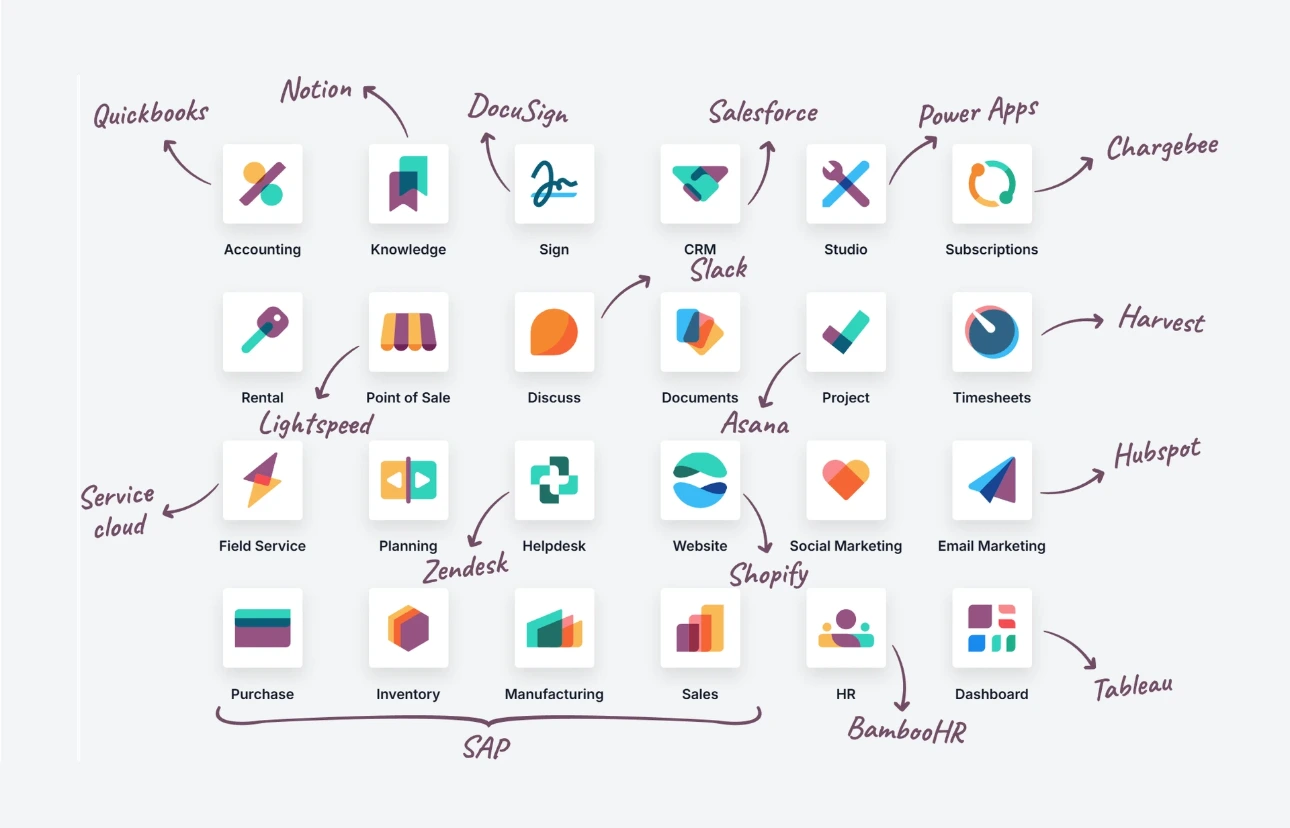
Accounting is built into every workflow: sales, inventory, expenses, projects, and POS all feed directly into your books.
Key Connections
Operational activity posts to accounting automatically
Customer and vendor details are shared across modules
No double entry or disconnected financial data
The Takeaway
Odoo Accounting gives your business a connected, intuitive foundation for managing financial activity day to day. It keeps data clean, reduces manual admin, and supports teams of all sizes—with room to grow as your business does.
Looking Ahead
If this overview has helped you get your bearings, the next step is diving deeper into the areas you’re most interested in. We’ll be publishing separate guides on reporting, invoicing, reconciliation, and multi-currency so you can explore each topic at your own pace.