
The Everyday Challenge
Busy Odoo users move between apps, menus, records, and settings all day. When navigation takes too many clicks, small delays add up.
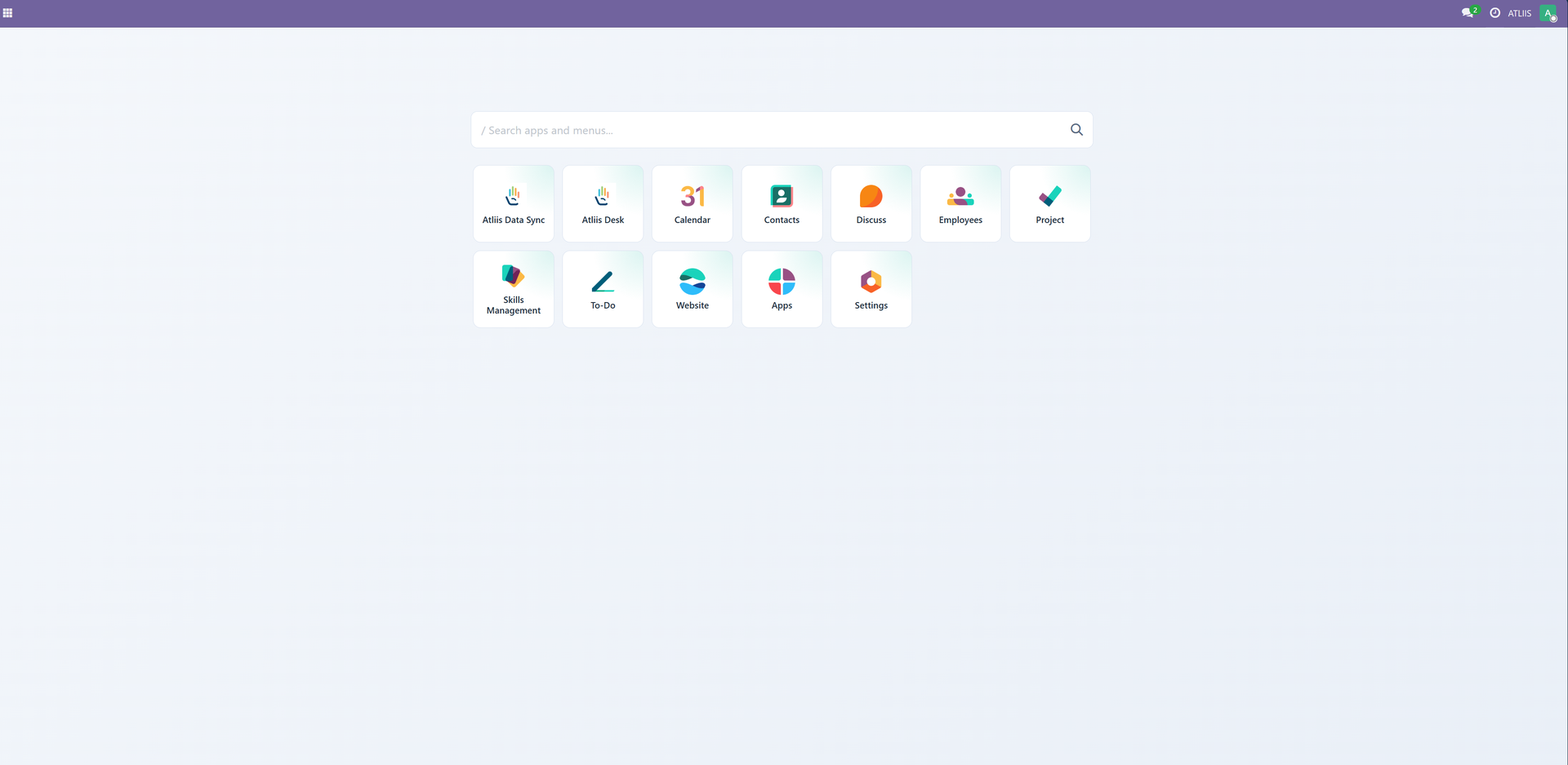
How Odoo Quick Launcher Helps
Odoo Quick Launcher gives users a faster way to move through Odoo with a smart launcher and command-palette-style navigation.
Key Benefits
- Reduce clicks for frequent navigation.
- Help power users jump to work faster.
- Make large Odoo databases easier to move around.
Who It Is For
Teams with heavy daily Odoo usage, especially operations, sales, finance, support, and admin users.
Best use case: Use this app when your team wants a focused Odoo improvement without adding unnecessary process overhead.
A Simple Workflow
Start
Open the launcher from Odoo.
Configure
Search for the app, menu, or action you need.
Use
Jump directly to the destination.
Review
Keep working without breaking focus.
Final Thoughts
Odoo Quick Launcher is designed around a practical Odoo idea: remove friction from the work users already do every day.
For teams that want Odoo to feel cleaner, faster, and easier to manage, this app adds a focused improvement with a clear business purpose.
Explore the app on Odoo Apps
Review the full listing, version details, and purchase options for Odoo Quick Launcher on the Odoo Apps Store.