
Some Changes Need More Visibility
Important business records change over time. Standard chatter tracking is helpful, but teams often need visibility into custom fields or One2Many line-level changes without building custom code.
No-Code Field and Line Tracker lets administrators configure field and line tracking directly, so important updates appear in Chatter without a development cycle.
What to Track
- Commercial fields where changes affect pricing, approvals, or delivery.
- Operational fields where teams need a reliable history.
- Line-level updates that are difficult to reconstruct later.
Avoid Tracking Noise
The best tracking setup is selective. Track fields that support accountability or process clarity, not every field on every model. A focused audit trail is easier for users to read.

Example: Tracking Commercial Changes
A sales or operations manager may want to know when important values change on a record: payment terms, delivery expectations, approval fields, or key line details. Without tracking, users may need to ask around to understand what changed and when.
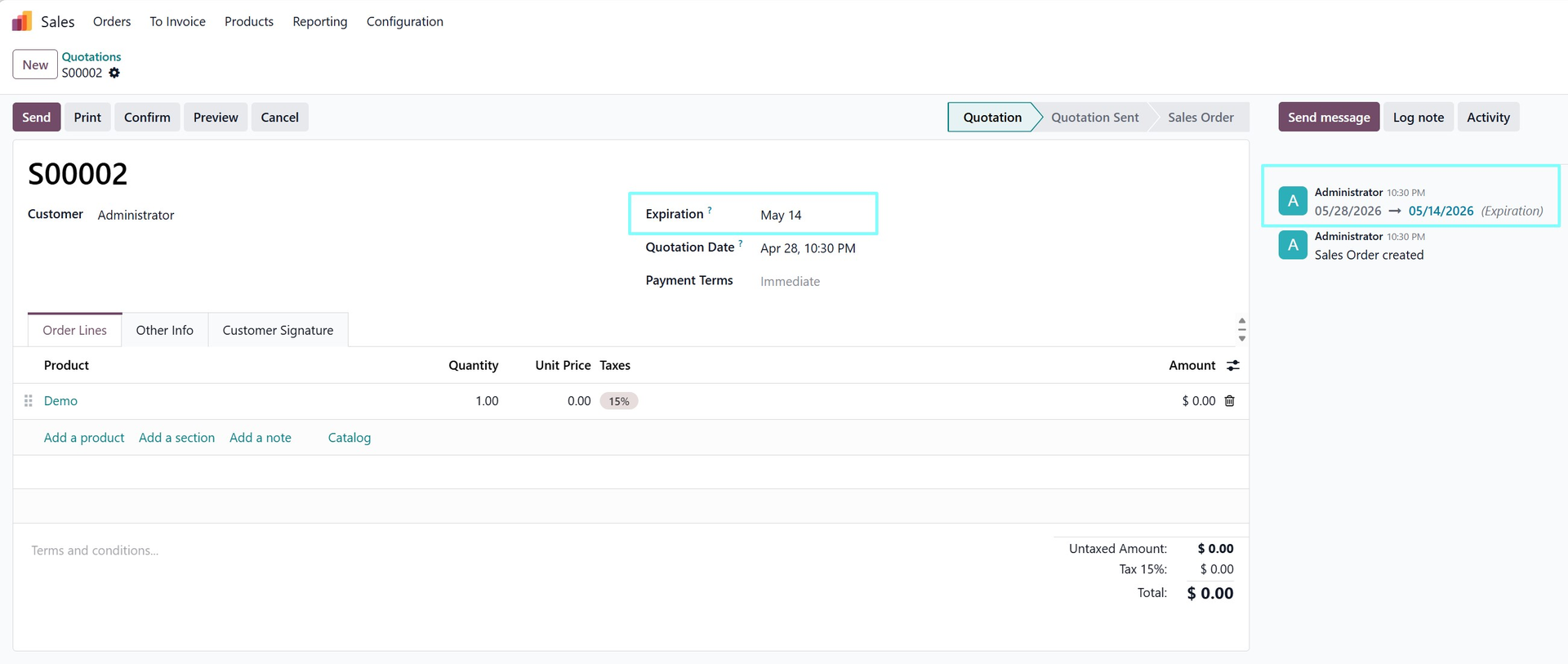
Configured chatter tracking gives the team a visible history directly on the record, so the context stays with the work.
Choosing the Right Fields
Start with fields that affect decisions, commitments, or auditability. If every minor field is tracked, chatter becomes noisy, and users stop reading it. A selective tracking policy is easier to trust.
Why Line-Level Changes Matter
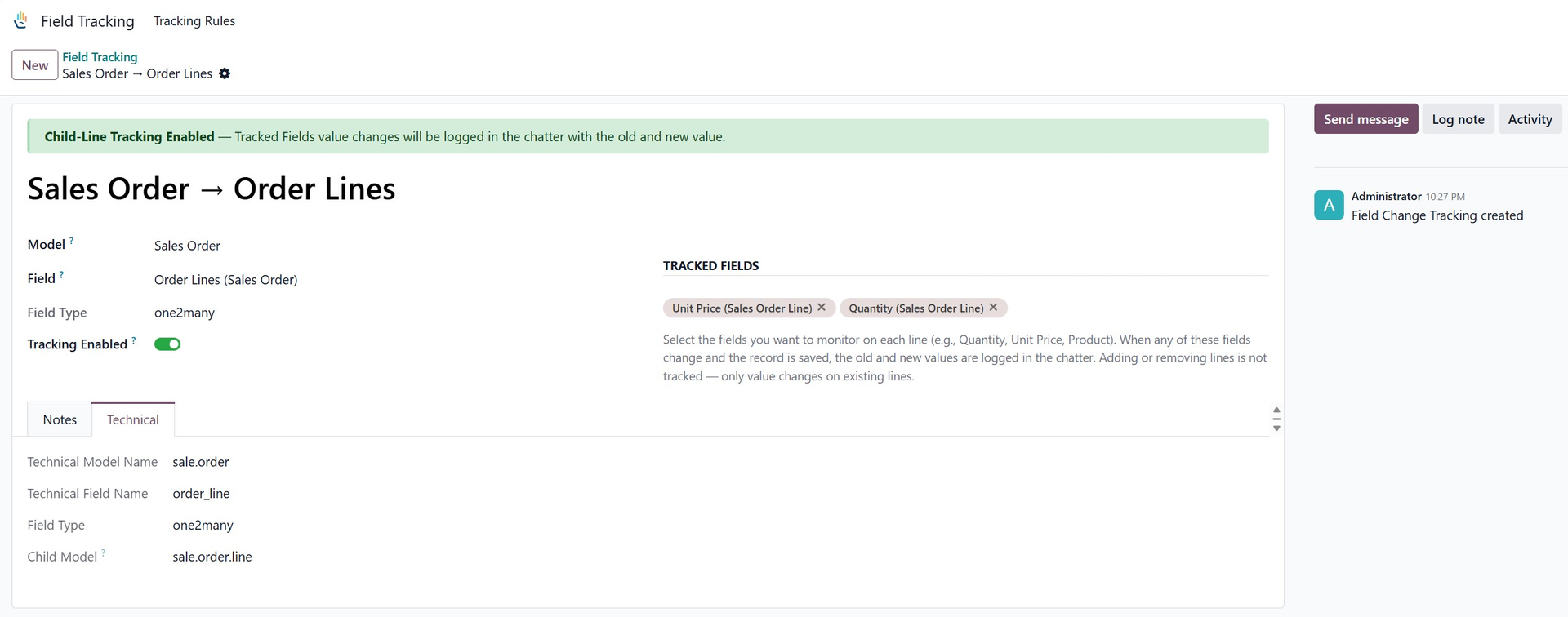
Many important business changes happen inside line items, not only on top-level fields. A quantity changes, a component is removed, a price line is adjusted, or a service line is added after approval.
When those changes are visible in Chatter, users can understand the record history without asking someone to reconstruct it later.
Good Governance Practice
Administrators should create a short tracking policy for each model. That policy should explain which fields are tracked and why, so users understand the purpose of the audit trail.
How It Helps During Disputes or Reviews
When a record is questioned later, teams often need to know what changed before they can decide what to do next. A visible chatter history reduces the need to search through emails or ask multiple users for context.
That makes field and line tracking useful for both daily operations and occasional audit-style reviews.
Explore No-Code Field and Line Tracker on Odoo Apps
See the full app listing, screenshots, version details, and installation information on the Odoo Apps Store.