
Contacts Drift When Systems Do Not Talk
Many teams use Odoo for business records and Microsoft 365 or Outlook for daily communication. When contact details change in one place but not the other, users waste time checking which version is correct.
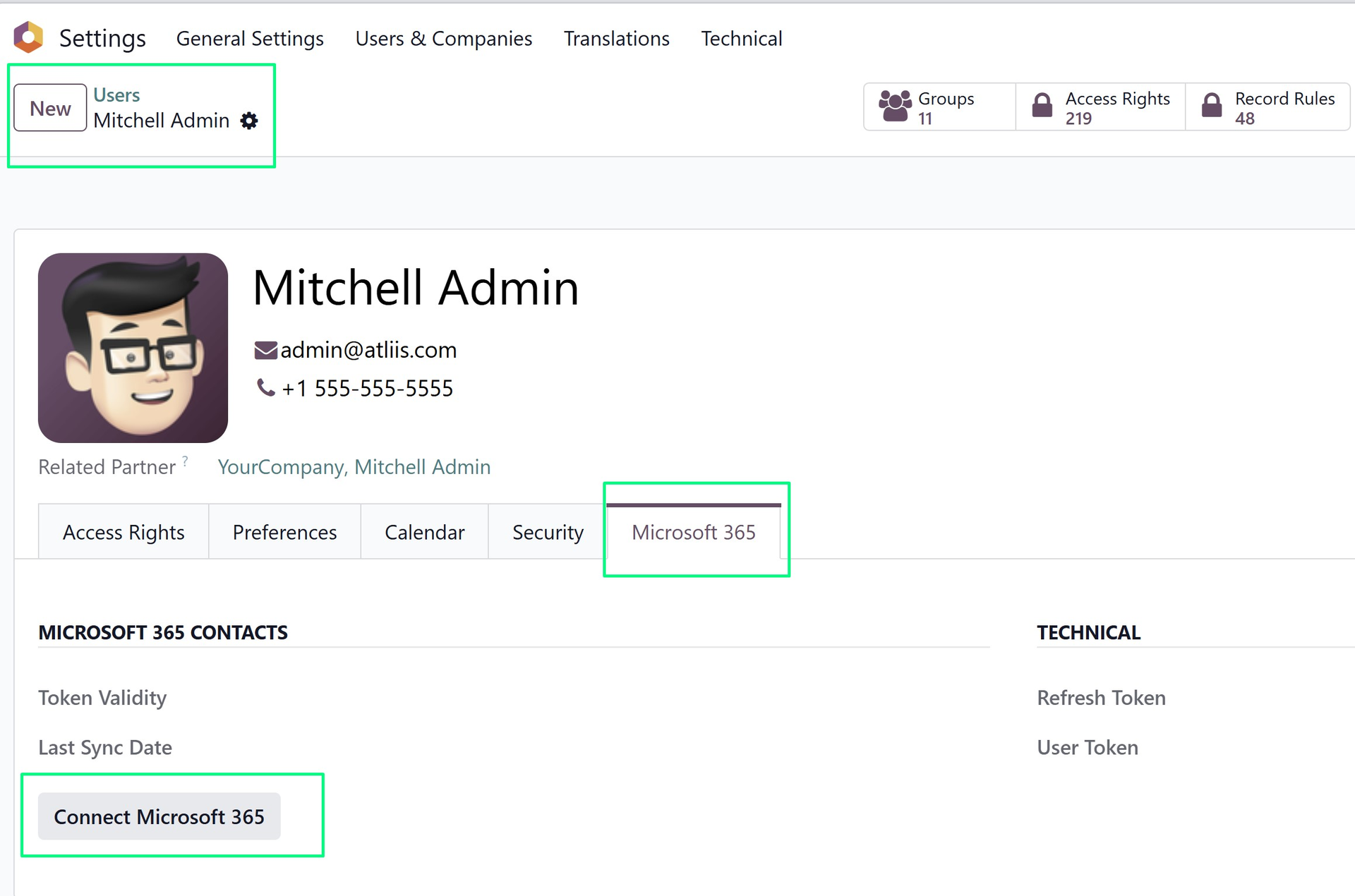
Microsoft 365 Contacts Sync supports two-way synchronization between Odoo contacts and Microsoft 365 contacts.
Where Sync Creates Value
Sales Communication
Contact updates stay closer to the people who use them every day.
Less Duplicate Maintenance
Teams spend less time updating the same contact in multiple places.
Cleaner Account Work
Odoo and Microsoft 365 stay better aligned for customer-facing teams.
Sync Planning
Review duplicate handling, sync direction, and ownership rules before enabling broad synchronization. Contact sync is most effective when users understand which system is authoritative for each type of update.
Example: A Contact Update in the Real World
A salesperson may update a customer's phone number in Outlook after a call, while another user checks the same customer in Odoo. Without sync, both systems may tell a different story.
Keeping Odoo and Microsoft 365 contacts aligned reduces this kind of double-checking and gives users more confidence in the information they use for communication.
Before Syncing Broadly
- Decide how duplicates should be handled.
- Clarify whether Odoo or Microsoft 365 should win when conflicts occur.
- Start with a controlled group of users before expanding sync to everyone.
Why Contact Sync Needs Clear Rules
Two-way sync is powerful, but it should be introduced with clear expectations. Teams need to know how updates move, how conflicts are handled, and which users are included.
Without those rules, contact synchronization can create confusion instead of solving it. With the right setup, it reduces duplicate maintenance and keeps communication details more reliable.
Bridging Business Records and Daily Communication
Microsoft 365 Contacts Sync connects Odoo's business records with the contact habits teams already use in Outlook and Microsoft 365. That makes the app more useful than a simple data copy: it helps communication details stay closer to the people who rely on them every day.
Why Contact Confidence Matters
Contact data is used in calls, emails, sales activity, support follow-up, and account management. When users are unsure which system has the latest details, they lose time and confidence.
Keeping Odoo and Microsoft 365 closer together helps teams communicate with fewer interruptions and fewer duplicate updates.
Explore Microsoft 365 Contacts Sync on Odoo Apps
See the full app listing, screenshots, version details, and installation information on the Odoo Apps Store.