
Overview
A straightforward look at how Odoo helps teams manage stock levels and trigger replenishment decisions from one central screen.
See All Products Needing Replenishment in One Place
A consolidated view showing products that require action based on rules.
Key Functions:
Display products reaching minimum stock thresholds
Show quantities needed to maintain availability
Highlight items requiring immediate restocking attention

Automate Purchase or Manufacturing Suggestions
Suggested actions generated from product settings and demand patterns.
Key Functions:
Propose purchase orders for low-stock items
Trigger manufacturing orders for configured products
Calculate quantities using set replenishment rules
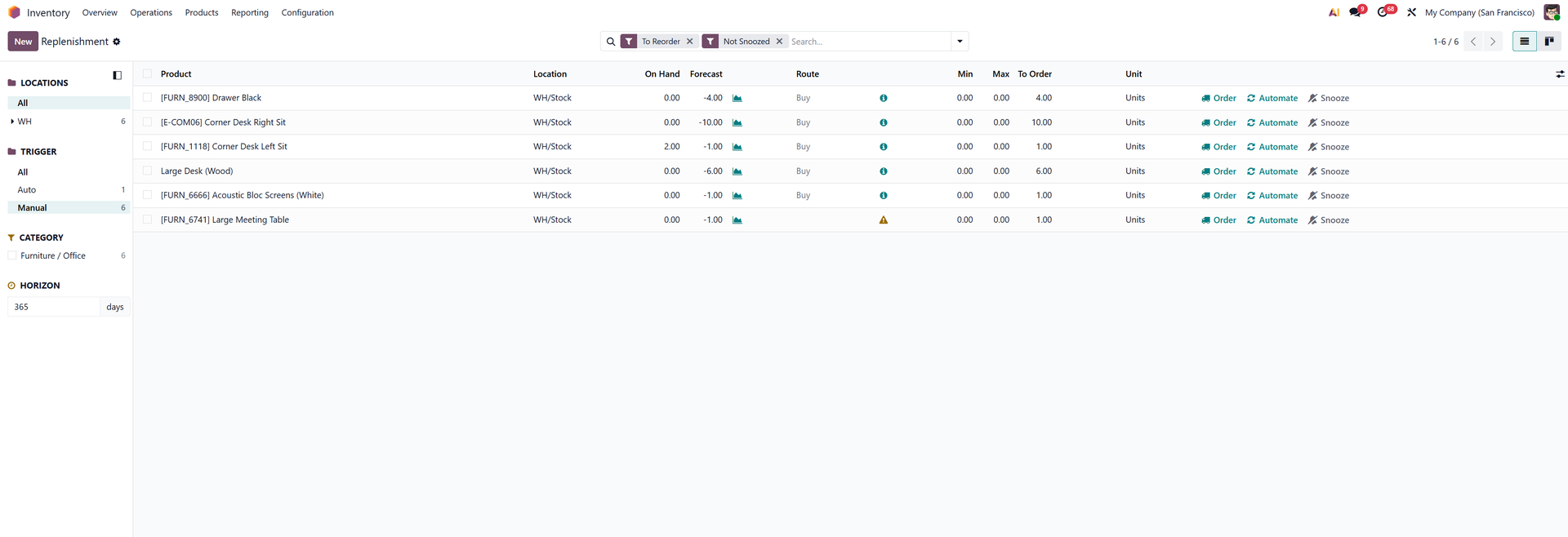
Adjust Replenishment Decisions with Flexible Controls
Modify quantities, suppliers, and methods directly from the view.
Key Functions:
Override suggested quantities when circumstances change
Switch between buying, manufacturing, or transferring
Select suppliers or locations before confirming actions
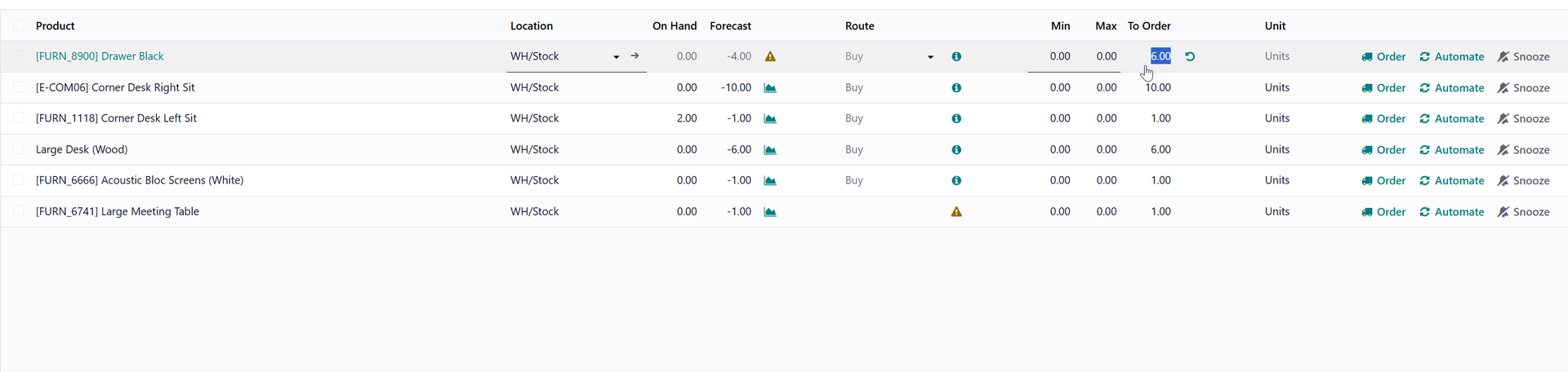
Manage Multi-Location Stock Needs Effectively
Support for warehouses, internal locations, and complex logistics flows.
Key Functions:
Review replenishment needs per location or warehouse
Plan internal transfers between stock locations easily
Reduce shortages through better multi-site visibility

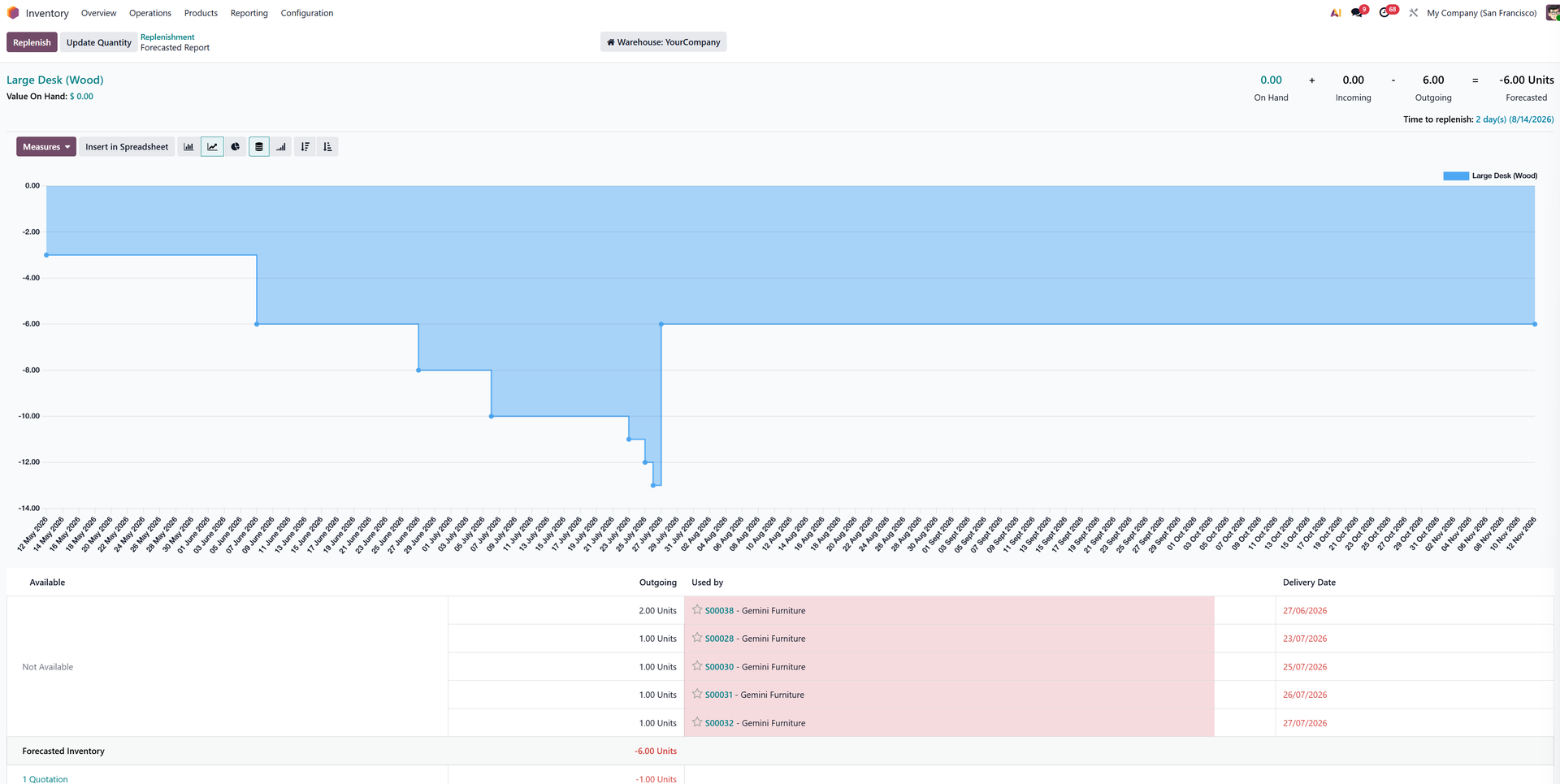
Monitor Forecasted Stock and Demand Indicators
Forecasting tools show expected stock levels and future requirements.
Key Functions:
View projected stock availability over incoming demand
Identify shortages before they impact operations
Analyse product movements affecting replenishment timing
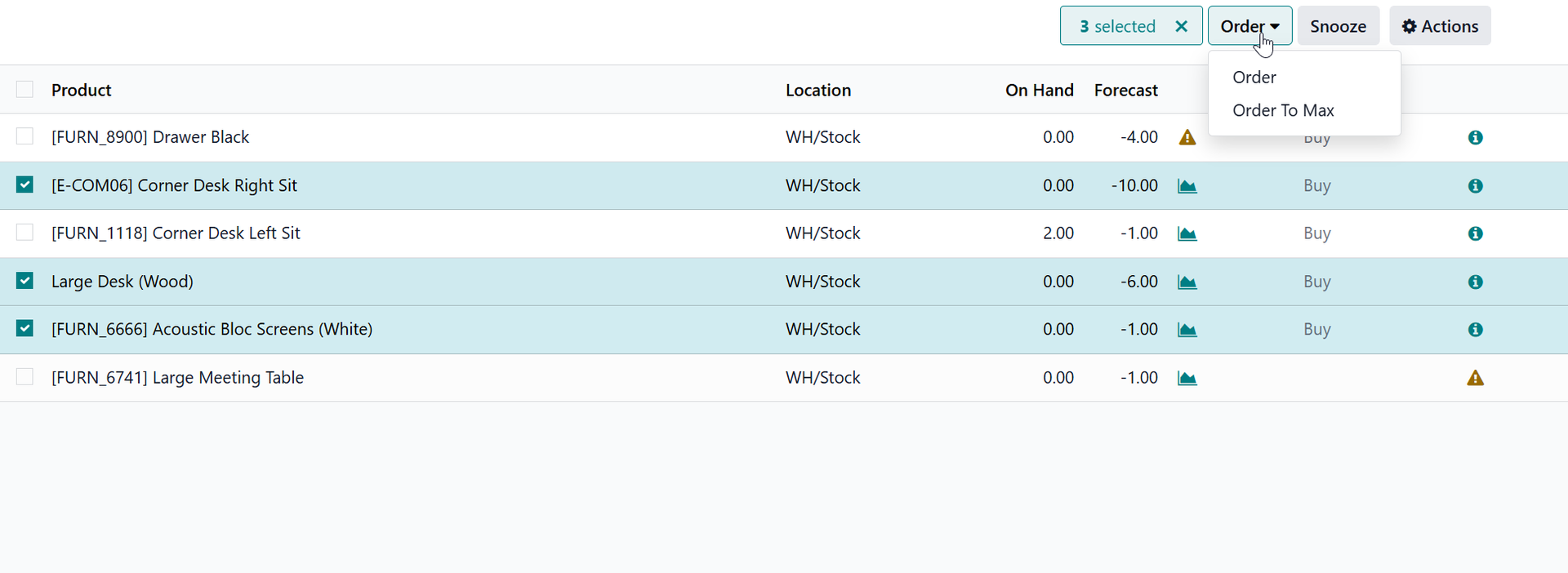
Trigger Actions in Bulk for Faster Processing
Batch actions help teams manage large replenishment workloads efficiently.
Key Functions:
Select multiple items for bulk purchase creation
Confirm manufacturing orders for grouped products
Apply changes across multiple locations simultaneously
The Takeaway
Odoo’s Replenishment view offers a centralised place to review stock needs, assess suggested actions, and manage restocking activity with clarity and consistency.
Looking Ahead
Ongoing enhancements continue to strengthen forecasting, automation, and cross-warehouse control—making replenishment planning smoother and more accurate as operational needs grow.